Saturday, September 13, 2014

Expanding Ideas

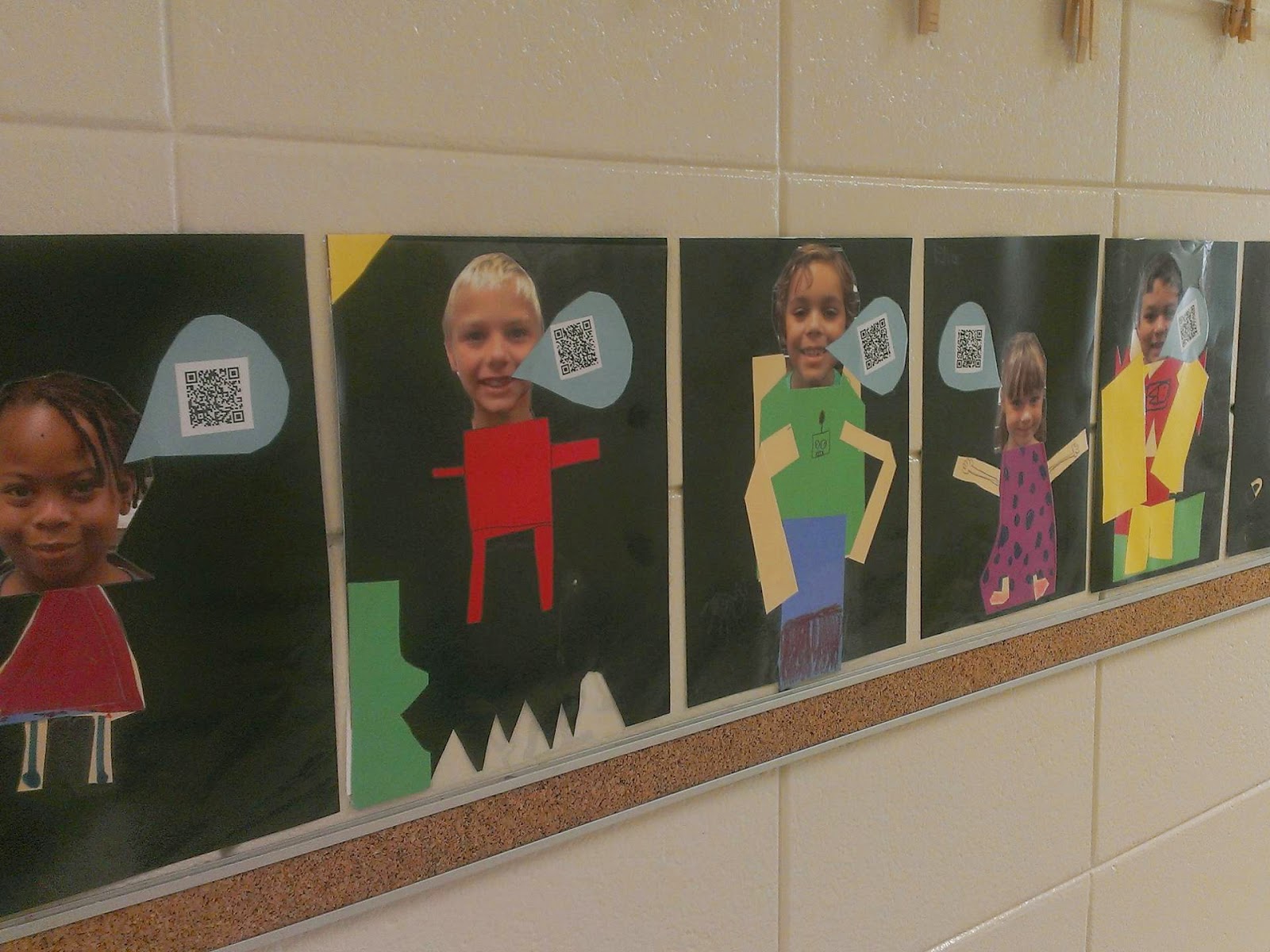
I have blogged before about my dear friend at work(Kathy Faletto) that always expands on good ideas. Well, her and I worked together on Another Take On A Pinterest Idea. Last Spring we asked our exiting second graders to write messages to the incoming second graders. They made construction paper self portraits and we put their messages on QR codes and hung them in the hallway for our Meet and Greet. My idea was to have them write messages about their favorite things in second grade. But Kathy expanded on that and had her students write about specific parts of her classroom. 
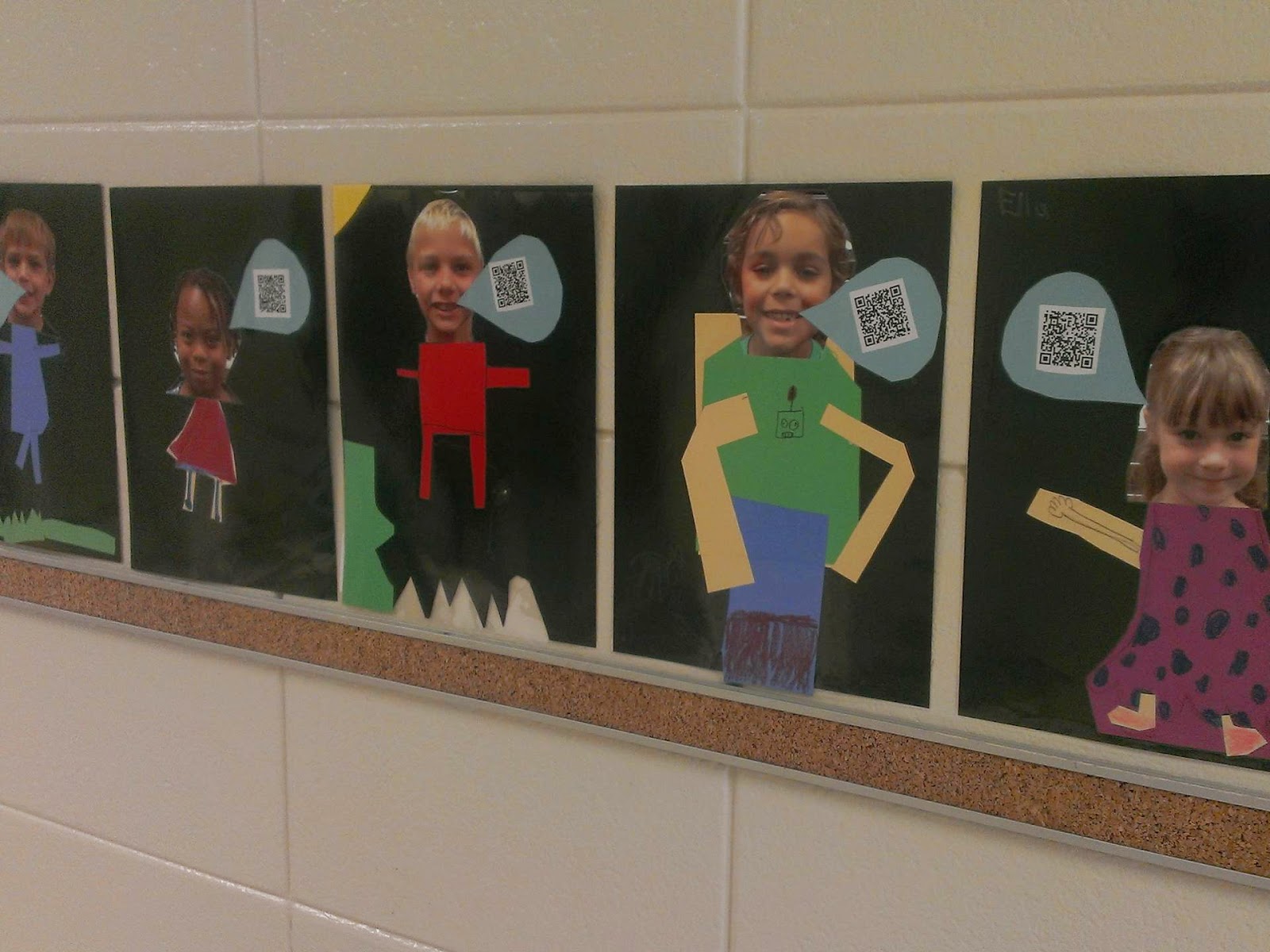
Well, this year my wonderful friend  came up with a new and exciting twist. She has made paper slide videos and placed them on You Tube in their prospective folders. She took pictures of her students, had them make construction paper bodies and added a QR code for the folders of their work. She can leave these up and simply continue to compile their work in the existing folders without ever having to change their QR codes.
Here is her hallway display:


I can't wait to steal this idea!

Super kudos Kathy Faletto!


Monday, September 8, 2014

Desperately Seeking Technology!


Today in my classroom, three of my dear computers sputtered their last. What is a tech loving girl to do? Try to get more. Anyway possible. My students need access to all of our websites, all of the time.
I have set up a page on Go Fund Me. Here is the link:

Desperately Seeking Technology


I will also be thrilled to accept hand me down devices. Old Smart phones, tablets and IPads are welcome. those items can be sent directly to my school, in care of Pamela Hagan. The address here is:
2500 Hwy 127
Kathleen, GA   31047


If you can't donate, please help me spread the word!


Thank you so much!


Thursday, August 28, 2014

Paper slide Videos Are My New FAVORITE Thing!

Paper slide Videos Are 

My New FAVORITE Thing!

Last year was the first year that my school was full throttle BYOD. I wanted to do something more than just play games on websites. Although I did want to do that too, I just really wanted to use the technology for more direct projects and activities. So last year, I focused on Edmodo. I made a couple of quizzes and a couple of surveys. But my favorite thing was to have my children do reading responses and then make comments on the posts of their classmates. Later, we all learned how to add pictures to our posts and write about our pictures. I felt good about my class projects and the kids really enjoyed it. 

Then, one of my teammates told me that she wanted to do more with technology and wanted some help with Edmodo. I was so glad to have someone interested in something I was interested in! It is so much fun to bounce ideas off of someone else and sharing just makes everything more worthwhile. Another friend at school told me about her grandson's teacher at another school and encouraged me to get in touch with her about technology.  So my teammate and I decided it would fun and we wanted to know more, so I contacted Mrs. Jessi Anderson and she was so nice and agreed to meet with us and share ideas immediately. We were so excited. 

We met at a local coffee and talked about several different aspects of BYOD and several resources she was fond of. I will share those in the future as I get to work with them. Today, I want to talk about the paper slide videos. She used them for Mother's Day Gifts. They were adorable. First she assigned the project. Her students illustrated their mother's character over the span of several sheets of paper and Mrs. Anderson video taped them talking about each picture one at a time. Then she uploaded them to You Tube and sent each parent the link to their child's project.

I used them with my students to practice nouns. My second graders made a cover page introducing their project and one page each for a person,place and thing. They ended their projects with an ending page. I video taped them and some had to be done and redone because, well because I was learning. Some came out sideways or upside down. Others came out with just the media player sign and I could hear the student's but could not see them. Those I later learned (from volunteer high school students that I am so very thankful for) that they could be opened with Movie Maker and then saved again and they would work just fine.
Below is the link to.....


My students were very excited to watch their videos and very kindly clapped for each other.

I started very simple. But these projects are going to provide all students an opportunity to demonstrate their knowledge without writing a book. I hope in time it will give them the confidence to tackle larger projects and perhaps even happily throw in some captions, diagrams, and graphs....Oh my!


Next week:
The Tools I Use For Science Inquiry


Below you will find a link to Mrs. Anderson's school videos. She has a variety of video projects that are very interesting and enjoyable to watch. I have also included a link to her Teachers Pay Teachers store, just for fun.   Thank you Jessi Anderson!


Jessi Anderson"s School Videos      Jessi Anderson's Store   


Sunday, August 17, 2014

I have finally done it!!

I have for years said I wanted to create a website for my class. I have finally done it. You see, I was still bogged down in the everlasting state of procrastination. Always saying "I would like to" and "I am going to", but never just sitting down and doing it. This is how it happened:

In the Spring of 2013 my school became a BYOD (bring your own device) pilot school. No one, and I mean No one I talked to, was as excited as me! I thought this was the best thing ever. My students and I were all over the place! But by the end of the year I had a better idea of how to begin the next year, but I had mostly figured that out by knowing I didn't want to do anything I did that spring.

The next year I did not allow myself to get bogged down in the search. The ideas on the internet and the resources are both astounding and exciting. But I let  myself earlier become overwhelmed by the search for the "best" thing to do with a class. Not this time, this time I focused on just a couple of things and did them thoroughly. But still, no website and I had exhausted myself trying to do so much at once. Again, I procrastinated making a class website.

 I love my fellow teachers, but I really had no one with which to share my excitement, wonder or need to experiment.

Last year, and by last year I mean last school year. A Media Specialist friend of  mine made me play with the site our county had supplied us. She knew I wanted to do it and was making a bigger deal of it than necessary and had let the whole thought of it just weigh me down to the point of inertia. Well the county site got my feet wet, but wasn't really that easy for me to work with. But I began to seriously picture in my head that I might really, actually make a website.

Then another friend whom I actually work with began communicating to me that she was interested in becoming stronger in our BYOD (bring your own device) program. She wanted me to help her remain motivated. Last spring we started bouncing ideas off of each other and this always led to a better idea. A beautiful collaboration was being born. We met with a real techy person in the spring and vowed to do so much this fall. I planned on doing so much this summer. I didn't do a thing!!

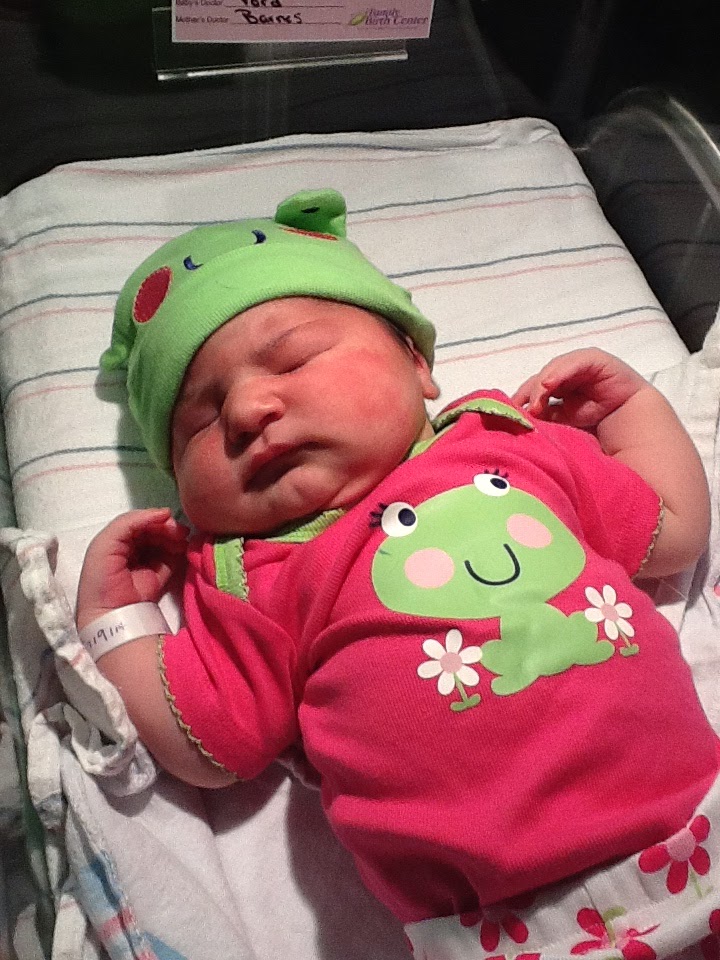
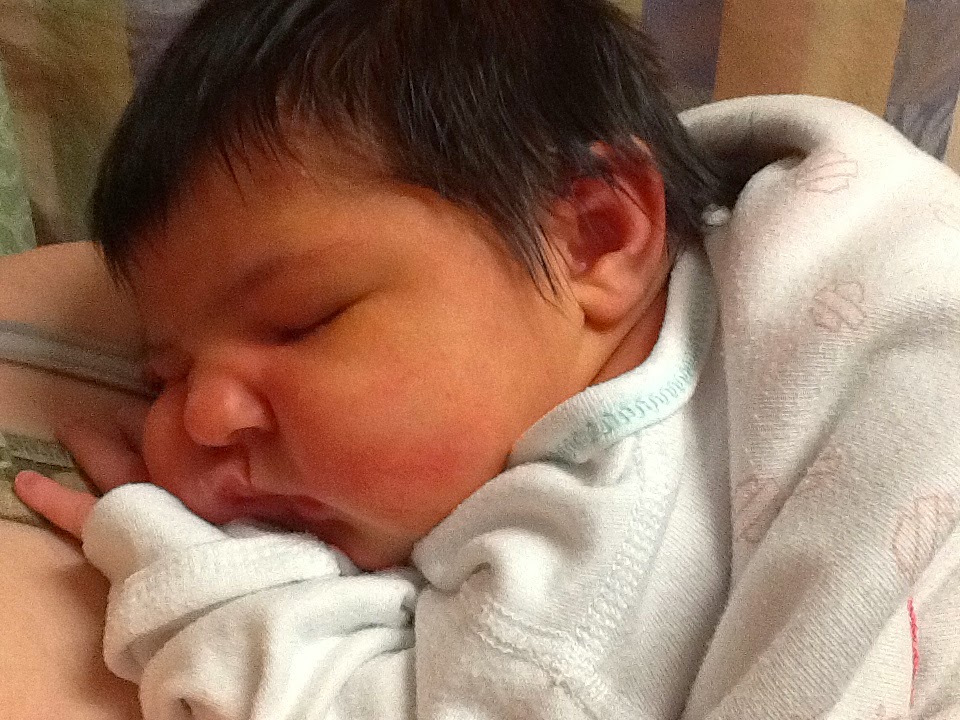
In my defense I had a beautiful granddaughter on July 9th, She was due in June. The summer was filled with labor starts and stops, it was quite the drama. But the very beautiful Lila Grace was born.

This fall came and the realization of all that is necessary to kick off the school year hit me. I thought, here I go again. Then yesterday, my friend messaged me to look at the website she started and had brought up to date and ready to share with parents. She had started working on it during the week, but she DID it! She said she was going to and did. I was inspired and wanted to preserve our new found collaboration, our new partnership that added the fun and excitement back into what had been my passion.I had to keep up! It is so much more enjoyable to share and work with someone that has similar goals. I don't think I can say that enough. So I just sat down and made myself do it.

I couldn't be more excited! It has no content yet, only framework. I can hardly wait to get to school tomorrow and add the content! But here it is: http://haganheroes.weebly.com/


Please check it out and let me know what you think!

Tuesday, July 22, 2014

Summer

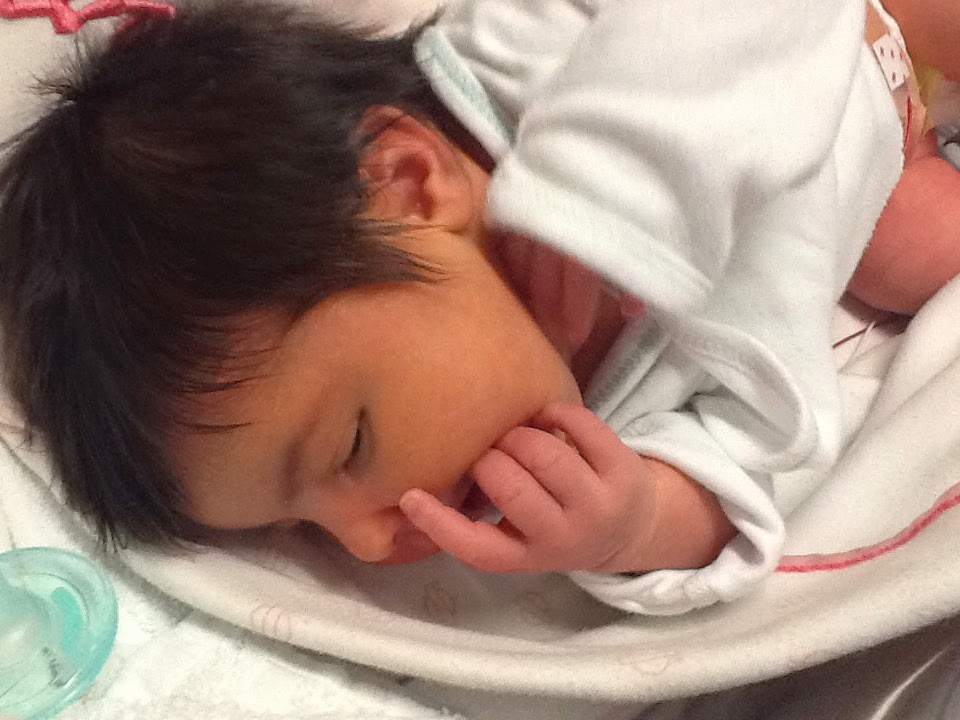
Well I certainly took the summer off! I have enjoyed summer break this year. it brought me a new granddaughter. Her name is Lila- Grace and she is 13 days old. I know it has nothing to do with education and certainly not my quest for knowledge and growth on the technological front, but hey, this is what grandmothers do!


Ok, that was my gushing moment! Now back to the matter at hand. I will still be exploring technology and discussing it here. But for now I would like to let everyone watching that both of my stores are having Back to School Sales! Everything in both stores is on sale for $1! That's right! I will continue this sale for at least two weeks while everyone is getting settled back into the school routine. 
Keep watching for more techy discussions!


http://www.teachersnotebook.com/shop/pamhagan


Wednesday, June 4, 2014

Do you Symbaloo?

I must admit, I love technology. But sometimes it just seems like there is way too much out there and so I cling to the things that I already know. Although I am an older woman I have professional friends that are younger and encourage me to try these new things. A very encouraging friend told me to take another look at Symbaloo. It was introduced to me at one time, but it was introduced at a time when the amount of things being introduced to me were overwhelming. This blog is about my adventures as an older teacher trying to learn about and incorporate new things into my routine.
Today is about Symbaloo.


My computer screen is not the greatest, but you can see on the bottom, half of the sign in with Facebook button. I am a little tempted, but I won't. If I sign in with Facebook, I will forget my sign in information and then be limited. If this does what I hope, then I will want to have it as the desktop on my classroom computers.  I have already watched the video. You can watch their intro video by clicking the picture above. My young friend loves Symbaloo.


So this is what I did. I must also say that I do not yet know how to do those video tutorials really clever techy girls can do. But it is on my bucket list. For now though it is step by step pictures.


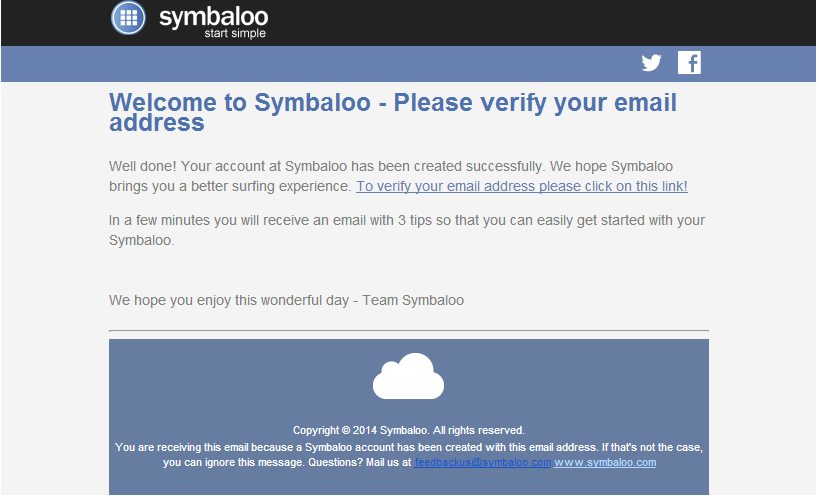
So, once I sign on, I get the above screen and I of course have the obligatory welcome email. I see quick start and LOVE that word so I click on it. But I then get the next screen which is not at all what I want. The next screen is more for personal use. I think that is a good idea, but I am looking for a place to put everything I specifically want my students to have at their fingertips. I do want to use it on my desktops at school, so it cuts down on searching for unnecessary icons.


So, I am not very good at reading instructions. This is probably why I like step by step pictures.
I poke around and find the button in the next picture that asks me if I want to create a new webmix.
Yes, this is exactly what I want to do.


Then I get the opportunity to name it. School Day. Not a very clever name but it does the trick.


I verify my email.


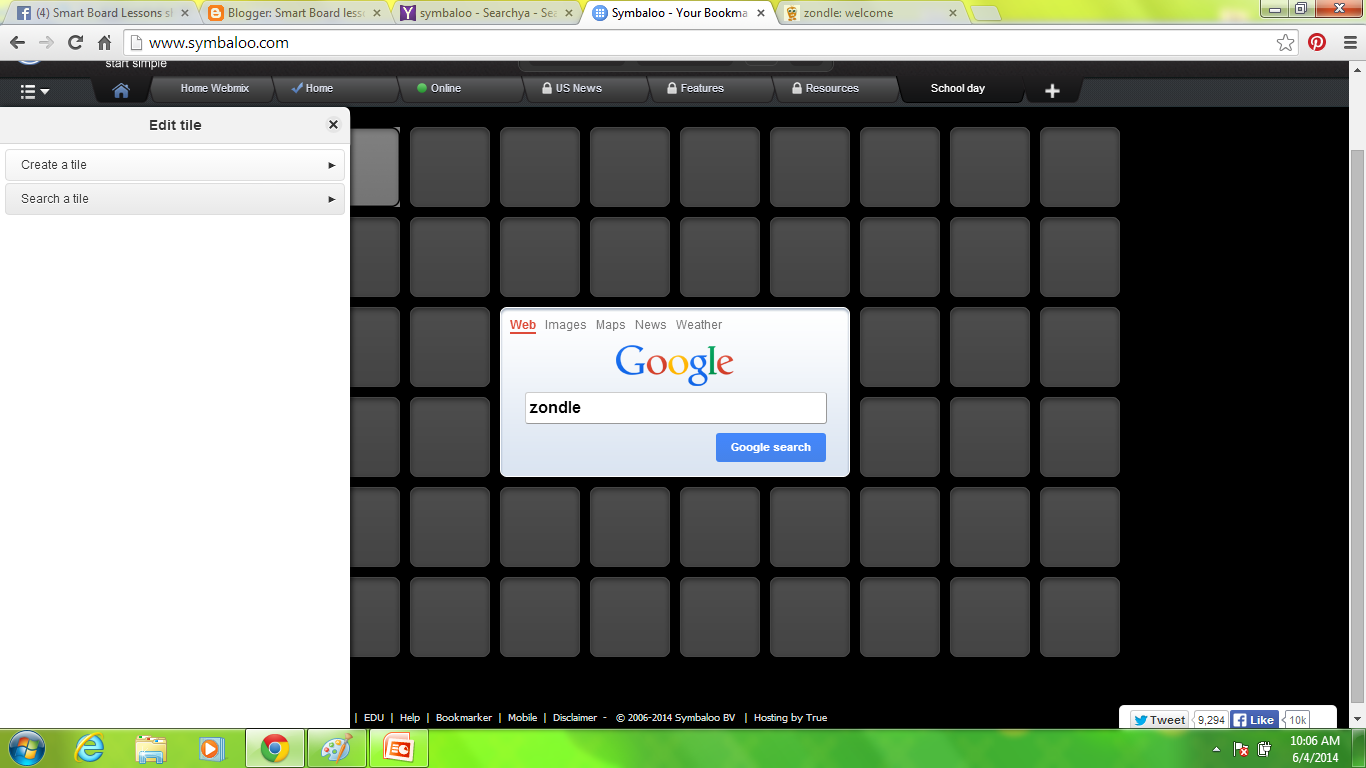
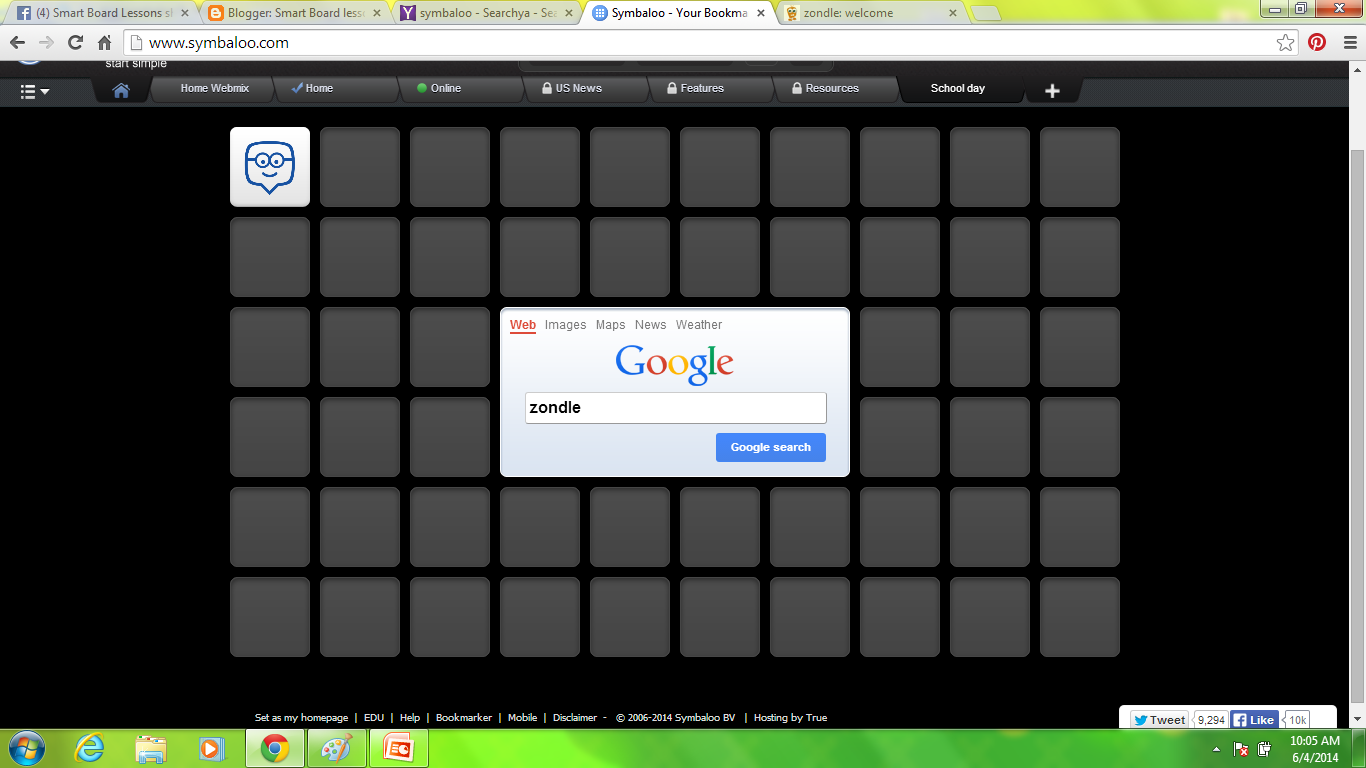
Then I begin adding buttons.  As you can see Google is right in the middle of things.
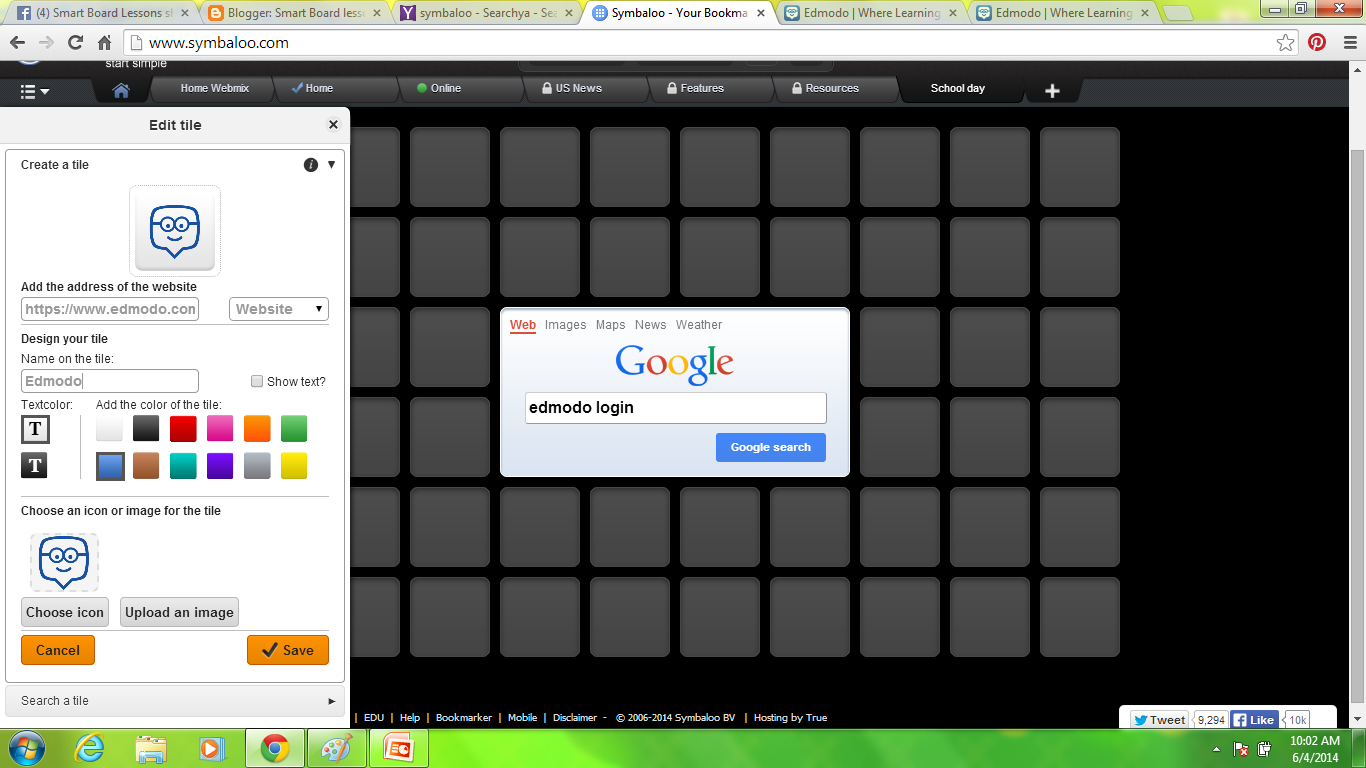
Then I click a list icon on the left and the Create a Tile option pops up.


All you have to do really is fill in the blanks (see above).

And voila, as you can see below, I have an icon that links my students to our first site.


Pretty soon, I have a functioning board. There is certainly more that I can add, however, this is a good start.


I also filled out a profile. As you can see they keep statistics. Do I need followers? I don't know. But I will have a great time peeking at the boards others have created. Maybe I will find some noteworthy websites! 


Do you all Symbaloo? What are some of your favorite websites?
Do you need followers?


 Until the next website!